If you actually think this post is about fax machines, you are going to be horribly disappointed. If you still use fax machines, I fervently pray that you’ll switch to a technology that was invented all the way back in 1957, the scanner. I admit that most modern offices in major corporations still do have fax machines, but many of those same corporations still have typewriters and hand dug water wells with buckets that are used to bring fresh water to their employees.
So if you haven’t noticed, I have a low opinion of fax machines. They provide a transmission mechanism for a poorly recreated copy of a document. This was great technology in the 1980s, but it doesn’t make much sense now. If you wonder why it doesn’t make sense, the following pretty much summarizes the situation:
- You need a separate land line or can live with your one land line being interrupted by incoming faxes.
- You have to have a land line in the first place.
- Did I mention badly reproduced documents?
- The person on the other end has to have a fax machine.
- Once more, just because I’m a stickler for things like this. Badly reproduced documents.
So why am I calling the scanner ‘the fax machine of the 21st century’? In my opinion the capabilities of a scanner and attached computer include and supercede those of the fax machine. Imagine you have a few dozen old pictures you want to send an aunt. With a flatbed scanner, you can digitize them, post them on a website or email them. Have you found original letters from your great grandmother? Scan them at a high resolution and share with family and the world. Have a business? Have tons of receipts from a business trip? Need to write a travel justification? Scan the receipts and email them with your justification to your boss. If you are in a non-profit with a historical archive, a scanner may be your only way to make those archives known to the world. That sounds a lot better than me faxing something; and then, calling someone to tell them to check the fax machine.
So if that’s convinced you to look for a scanner, here are my scanner buying tips.
- Powered through USB. No powerbrick for you!
- Scans into pdf and most of the major image formats (jpg, tiff, etc).
- Software. You always want good software included.
- Optical Character Recognition (OCR). For the few times you need to pull the text of a paper document into an editable digital format.
- Portable. If it’s already powered by USB, then I want to be able to move it around with my laptop. That way I don’t have to bring whatever documents back with me.
I’ve honestly only ever purchased one scanner, and I loved the quality it gave me. It was the Canoscan LiDE 90.
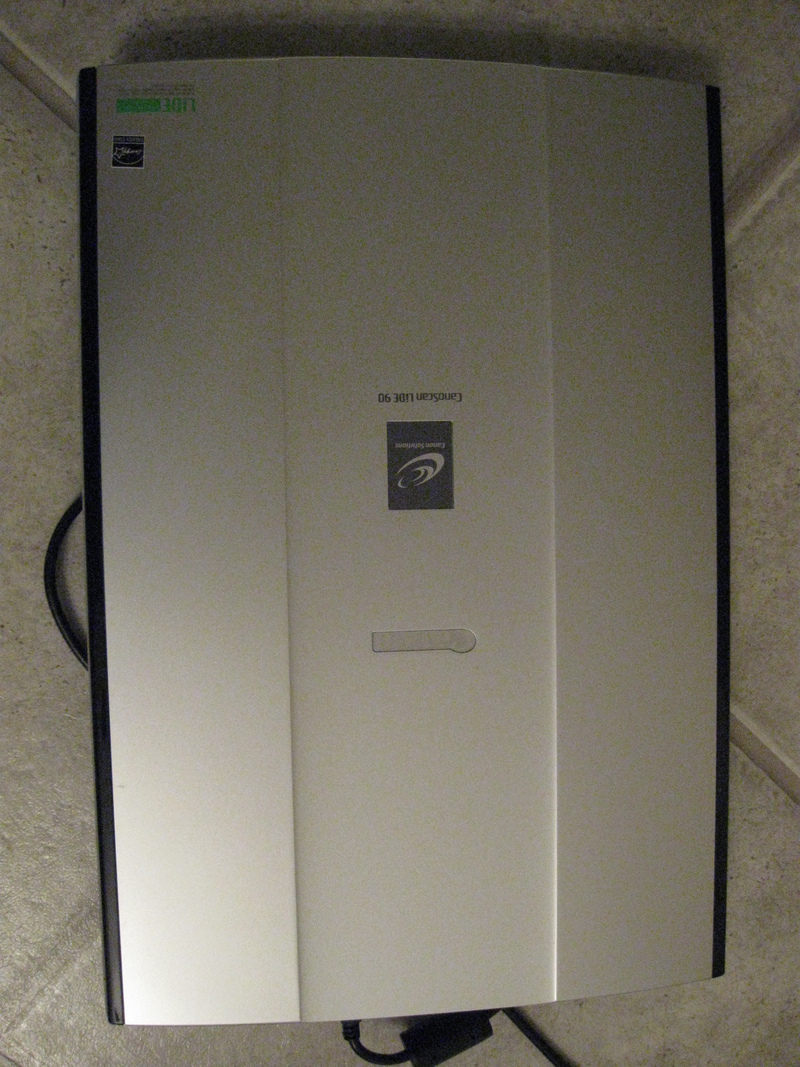
My Canoscan lide90
It gave me a ton of features and didn’t break my budget. I paid less than $100 for a device that I used for six hours straight to scan my grandmother’s photo albums. I believe Canon has made several newer models since then. If you’re looking, I recommend going to Amazon and see what scanner (in your price and feature range) got the best positive reviews.
I hope that’s helped you out some. After this I’ll start thinking about my next review.
[…] about scanners made me think of a project this last summer. I made a scrapbook on a family event. Counter to […]